Paragliding Experience Blog
MipFly One Operating System Update
Posted by Martin Havel on
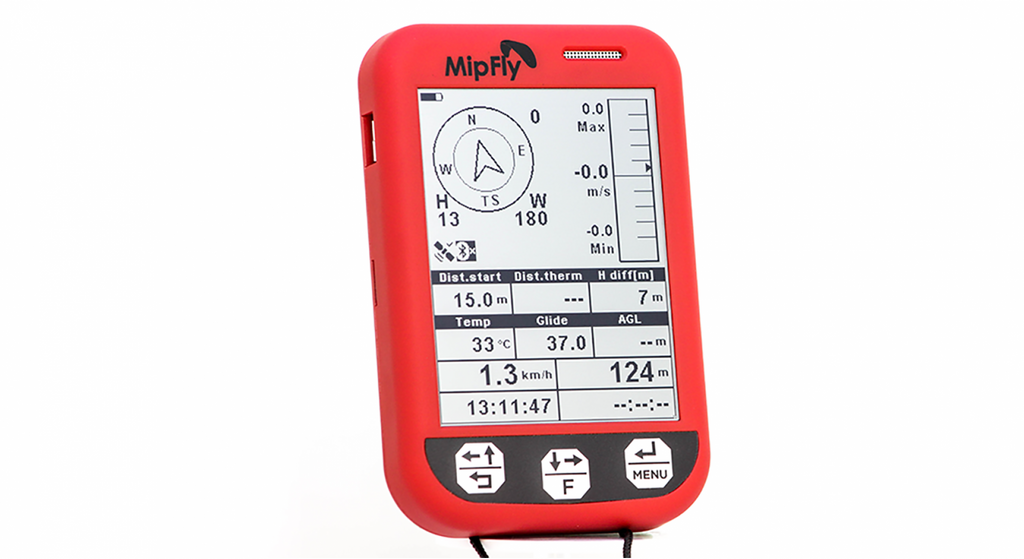
MipFly One Paragliding GPS Vario Operating System Update SD Card Burning to reinstall the operating system. In case you have your SD card corrupted or you want to get a newer OS version you have to be able to re-burn the MipFly One SD card. The first step is to acquire the torrent file from our websites download section. After this, you should grab the torrent using your preferred torrent client. At the end of this process, you should end up with a .img file of roughly 16G. After you've downloaded the image follow this simple instructions: Download Etcher and install it....
How to Stop ICOM UHF Beep Beep setting - Notification that someone has broadcast on 'your' frequency.
Posted by Martin Havel on
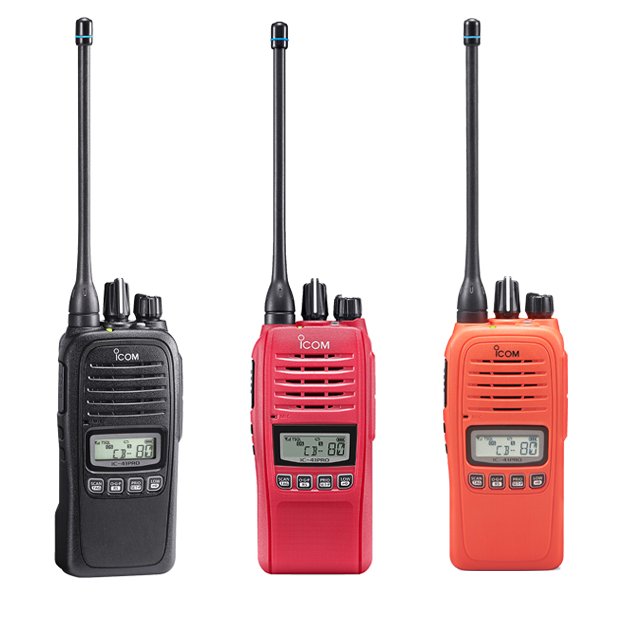
ICOM - 41pro super annoying beep solved!!!! - it turns out that it is the Tone Squelch pocket beep. It is turned off by simply pushing the PTT button and the radio returns back to normal TSQL (tone squelch) - ie non pocket beep. To be on, it has to be turned on by long pressing (2 seconds) the 'side 1' button. - this is depicted by a Bell symbol on the screen. Apparently this is meant to be a notification that someone has broadcast on 'your' frequency. When received while in this mode the radio beeps every 10 seconds and...
How does the heat pack in the paragliding glove work?
Posted by Martin Havel on
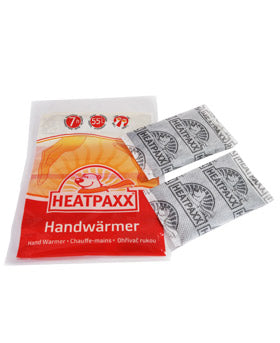
The way the heat pack in the paragliding glove works is that the heat pack sits at the top bottom of your wrist heating both Ulnar and Radial arteries that feed blood into both Palmar Arches (Dep and Superficial). Both palmer arches feed the blood into the digital arteries that supply blood into the fingers. Heat pack heats the fingers indirectly through the blood flow. Blood flow has a considerable influence on cold/warm hands, there is a difference between having cold hands above your head or have them down your when walking. Waring up blood that flows through the palm and fingers...
How to Pair a Bluetooth Headset to the Icom IC-A16E VHF Radio?
Posted by Martin Havel on
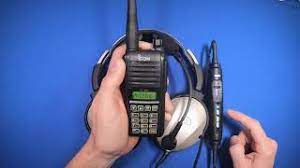
Following steps will guide you through pairing a Bluetooth headset to the Icom IC-A16E VHF Radio:1. Press FUNC then press ENT/SET for 1 second, to enter a set mode2. Press the MR/MW button to scroll through the menu items until you see BT SET on screen.3. Press ENT/SET to enter the BT sub menu, use the up and down arrows to toggle BT to ON.4. When BT ON is displayed on screen press the MR/MW button to toggle through the BT sub menu options.5. Keep pressing MR/MW until you get PAIRING on the screen.5. With PAIRING now showing on screen press...
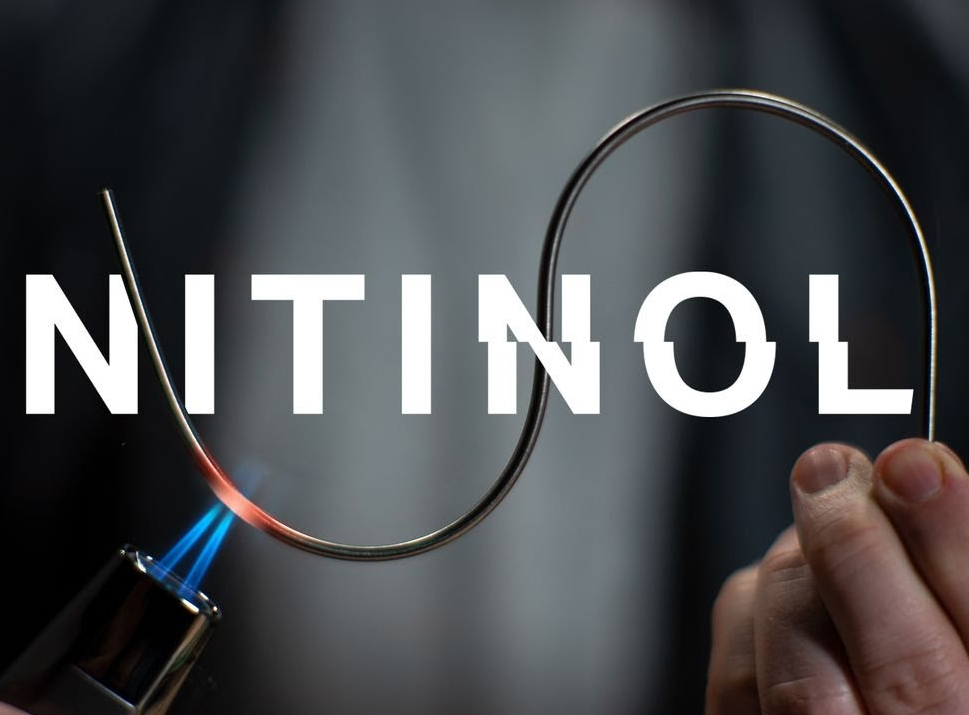
What is Nitinol the shape memory alloy?
Posted by Martin Havel on